
Training Services
Notifier EN Inspire Panel Introduction & Commissioning (Classroom)
This course will introduce you to the Inspire 1.2 panel, specifically covering the usual workflows of panel installation, set up, commissioning and configuring.


Please sign in to access more documents
Once signed in, you may be able to access additional documents for your account.
Overview
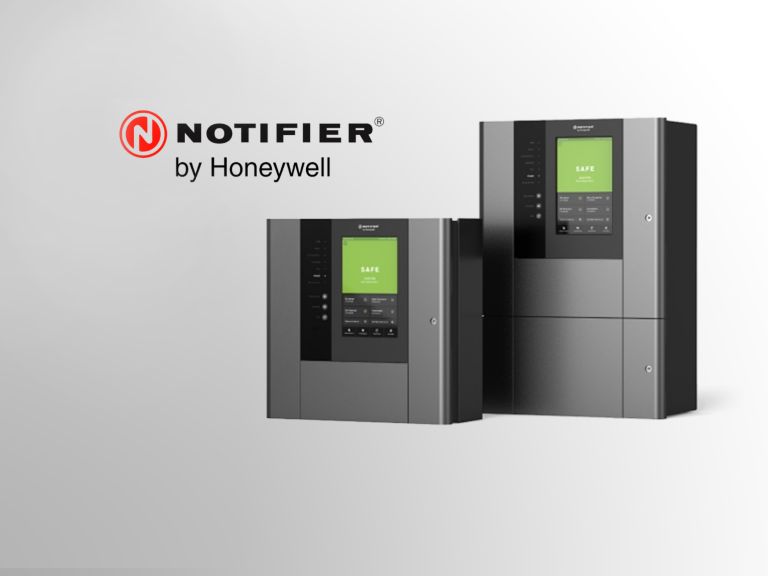
This course will introduce you to the Inspire 1.2 panel, specifically covering the usual workflows of panel installation, set up, commissioning and configuring.
By the end of the course, the student will be able to setup and operate the Inspire 1.2 panel, based on the following topics:
- STAGE 1: Introduction to panel variants & CLSS
- STAGE 2: Anatomy of the basic panel
- STAGE 3: Plug-in modules
- STAGE 4: How do I start up my panel?
- STAGE 5: Configure changes
- STAGE 6: How do we obtain licenses?
- STAGE 7: How do we upgrade the panel? A PDF of the training material will be available as resource after the session.